

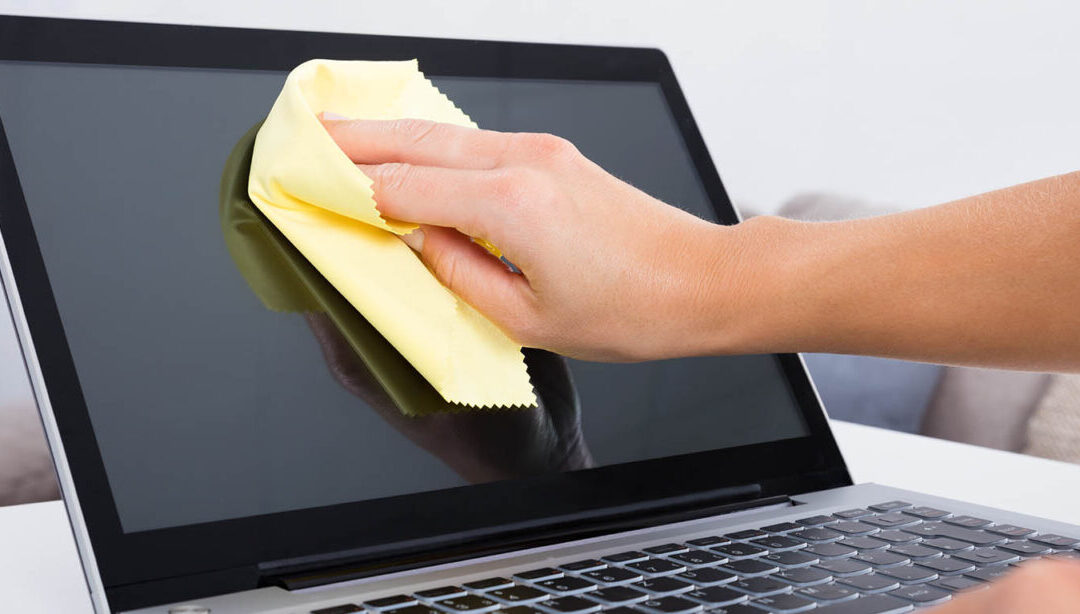
Electronic devices are part of everyday life. Phones, tablets, laptops, remote controls, and keyboards are handled constantly, often moving from room to room and even outside the home. Because of this frequent use, electronics quickly collect fingerprints, dust, oils, and bacteria. Cleaning them safely is essential — not only for hygiene, but also for protecting sensitive components from damage.
For households focused on house cleaning Roanoke TX, electronic device care is an important but often overlooked detail. This guide explains how to safely clean common electronic devices while keeping them in good working condition, and how this task fits into a well-rounded home cleaning routine.
Why Electronic Devices Need Regular Cleaning
Electronics are high-touch items. Phones are used during meals, remotes are shared by multiple people, and keyboards are exposed to crumbs and dust daily. These surfaces can hold more germs than many areas that are cleaned more often.
Homeowners searching for house cleaners near me Roanoke are often surprised by how much buildup collects on electronics over time. Without proper cleaning, devices can become unhygienic and even malfunction due to dust entering ports and vents.
General Safety Rules Before You Start
Before cleaning any electronic device, a few basic rules help prevent damage:
- Power devices off completely
- Unplug cords and accessories
- Avoid spraying liquid directly onto devices
- Use minimal moisture at all times
These precautions are standard in professional cleaning service Roanoke practices, where protecting valuables is just as important as cleanliness.
Cleaning Smartphones and Tablets
Phones and tablets are handled more than almost any other item in the home.
Safe Cleaning Steps
- Turn the device off
- Use a dry microfiber cloth to remove fingerprints
- Lightly dampen the cloth if needed
- Wipe gently, avoiding charging ports and speakers
Avoid paper towels or harsh cleaners, which can scratch screens or strip protective coatings. These careful methods are commonly used during weekly house cleaning Roanoke routines.
Cleaning Keyboards and Computer Mice
Keyboards and mice trap dust, crumbs, and oils between keys.
- Turn off and unplug devices
- Gently shake keyboards upside down
- Use compressed air to remove debris
- Wipe surfaces with a lightly damp microfiber cloth
Regular attention to these items helps maintain performance and appearance, especially in homes that prioritize deep cleaning Roanoke on a scheduled basis.
Cleaning Laptop and Desktop Screens
Screens require a delicate touch.
- Use a clean microfiber cloth
- Wipe gently without pressure
- Avoid ammonia-based products
Oversaturating screens can cause streaking or internal damage. This level of care aligns with the standards used in residential cleaning Roanoke Texas, where surface protection is essential.
Remote Controls and Game Controllers
Remote controls and controllers are among the most shared items in a home.
- Remove batteries when possible
- Wipe exterior surfaces carefully
- Use a soft cloth around buttons
These items are often included in affordable house cleaning Roanoke plans to reduce germ spread in shared living spaces.
Cleaning Headphones and Earbuds
Earbuds and headphones come into close contact with skin and ears.
- Remove detachable tips
- Clean gently with a dry or lightly damp cloth
- Allow to dry fully before use
This attention to detail is especially important during move-in cleaning Roanoke, when sanitizing personal-use items helps create a fresh start.
Handling Dust in Electronics Vents
Dust buildup in vents can cause devices to overheat.
- Use compressed air in short bursts
- Keep vents unobstructed
- Avoid inserting objects into openings
Routine vent care supports device longevity and is often addressed during thorough deep cleaning Roanoke services.
Electronics During Major Home Cleanings
Electronic cleaning becomes especially important during larger cleaning projects.
During move out cleaning Roanoke, devices should be cleaned carefully to avoid damage while still removing visible grime.
For new homeowners, move-in cleaning Roanoke provides an opportunity to sanitize electronics and shared devices before daily use begins.
Preventing Future Buildup on Devices
Simple habits can reduce how quickly electronics get dirty:
- Wash hands before extended use
- Keep food away from devices
- Store electronics properly when not in use
These practices support long-term cleanliness and pair well with routine house cleaning Roanoke TX schedules.
When Professional Cleaning Help Makes Sense
While electronics require special care, experienced cleaners know how to safely work around them. A reliable maid service Roanoke TX understands which areas to clean and which to avoid, ensuring devices stay protected.
Homeowners who rely on house cleaners near me Roanoke often appreciate the peace of mind that comes with careful, respectful handling of electronics during whole-home cleaning visits.
Electronic Care as Part of a Clean Home
Clean electronics contribute to a healthier, more comfortable home. When high-touch devices are maintained properly, germs are reduced and living spaces feel fresher overall.
Those who invest in consistent affordable house cleaning Roanoke often find that electronic device care naturally fits into a comprehensive cleaning routine.
Final Thoughts
Safely cleaning electronic devices doesn’t require complicated tools — just the right approach and a little consistency. By using gentle methods, avoiding excess moisture, and maintaining regular care, you can protect your devices while keeping them clean and hygienic.
Whether you rely on weekly house cleaning Roanoke or schedule periodic deep cleaning Roanoke, thoughtful electronic care helps preserve both cleanliness and functionality. Clean devices support a cleaner home and a more comfortable daily life.
Contact us at 817–577–9977 or visit https://allstarmaids.com/ to book your service.